Case study · Notchz
All workYour day, kept quietlyat the top of the screen.
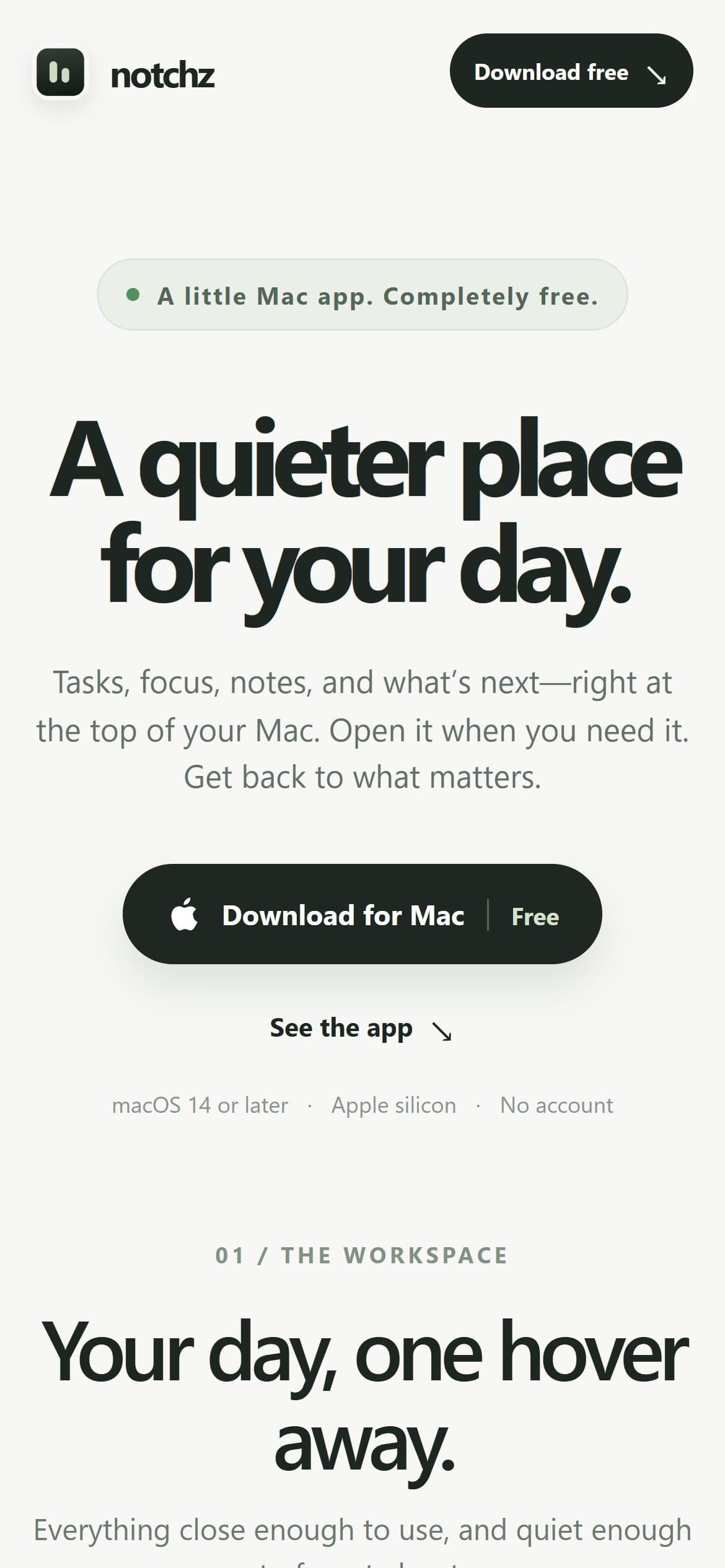
Notchz is a free Mac app for the small things in a day: the next task, a focus timer, a stray thought and the next meeting. It opens from the top of the screen when you need it and gets out of the way when you don't.
Visit notchz.vercel.app(opens in a new tab)- Product
- macOS productivity app
- Price
- Free, every feature included
- Requires
- macOS 14+ · Apple silicon
- Stage
- Early build · v0.1.2

Hover the top of the screen · or press ⌥ N
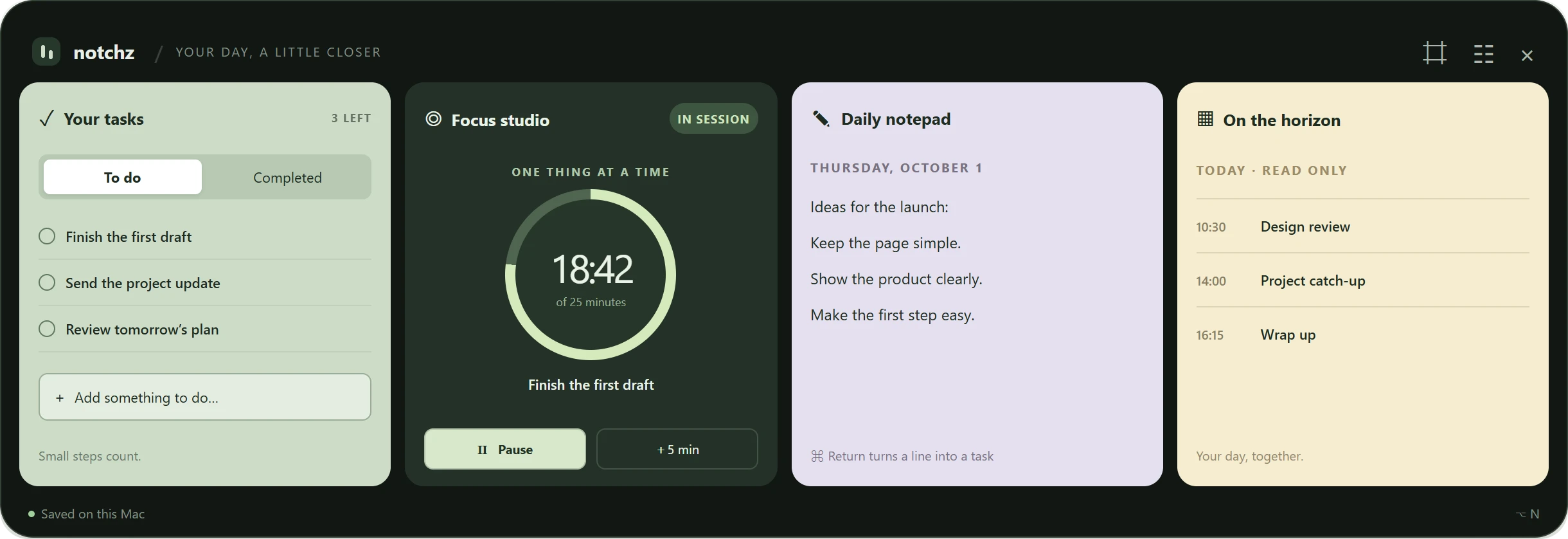
Compact bar captured from the Mac app · workspace from Notchz's interface preview, with example content
The idea
Small things deservea natural home.
A task to remember, a timer for the next hour, a thought worth keeping, a meeting coming up. Most planners ask people to move their whole workflow into them.
Notchz asks for none of that. It lives at the top of the Mac, one hover away, and holds just enough of the day to keep the next thing in view.
One panel
Four rooms,one hover away.
The workspace brings tasks, focus, notes and the calendar side by side, so the plan and the work sit in one place. Choose a module to see where it sits.
Capture a task in a moment, keep to-do and completed lists apart, and choose the one thing to work on next.
Hover the top of the screen · or press ⌥ N
Focus
The next thing,always in sight.
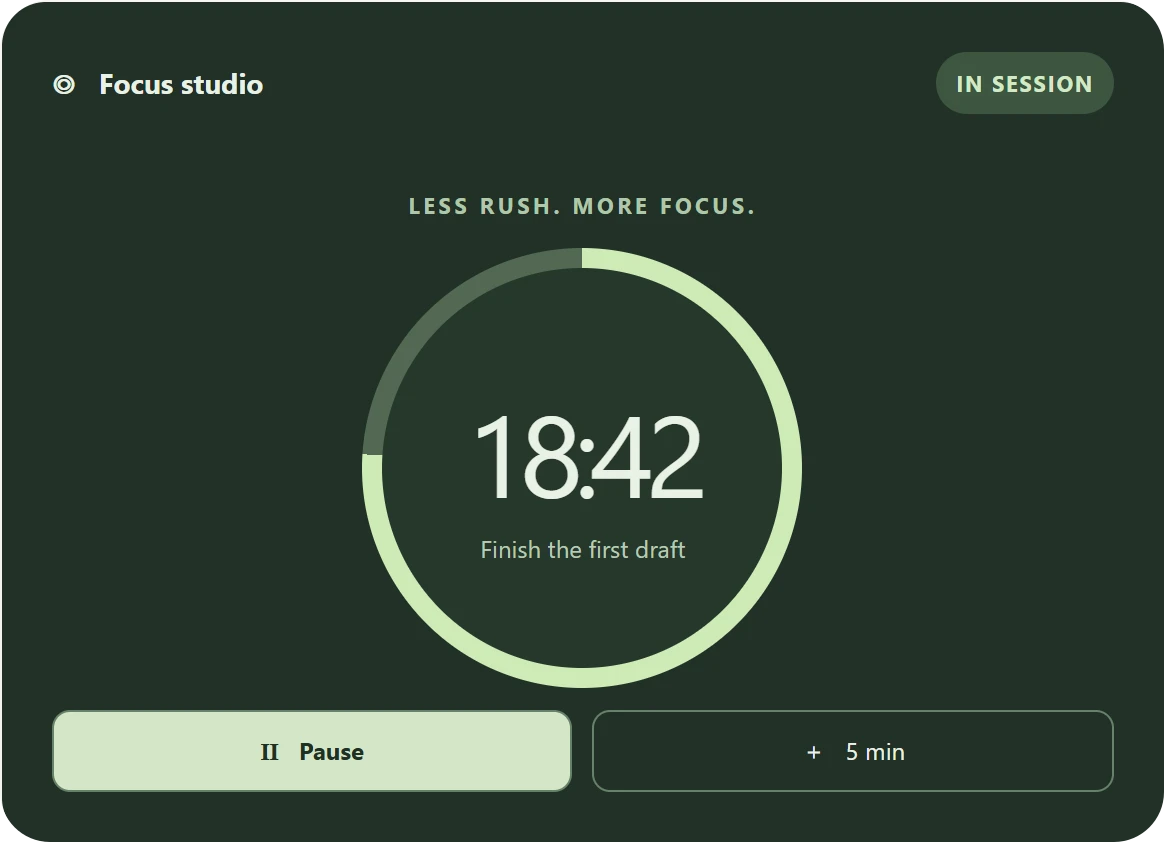
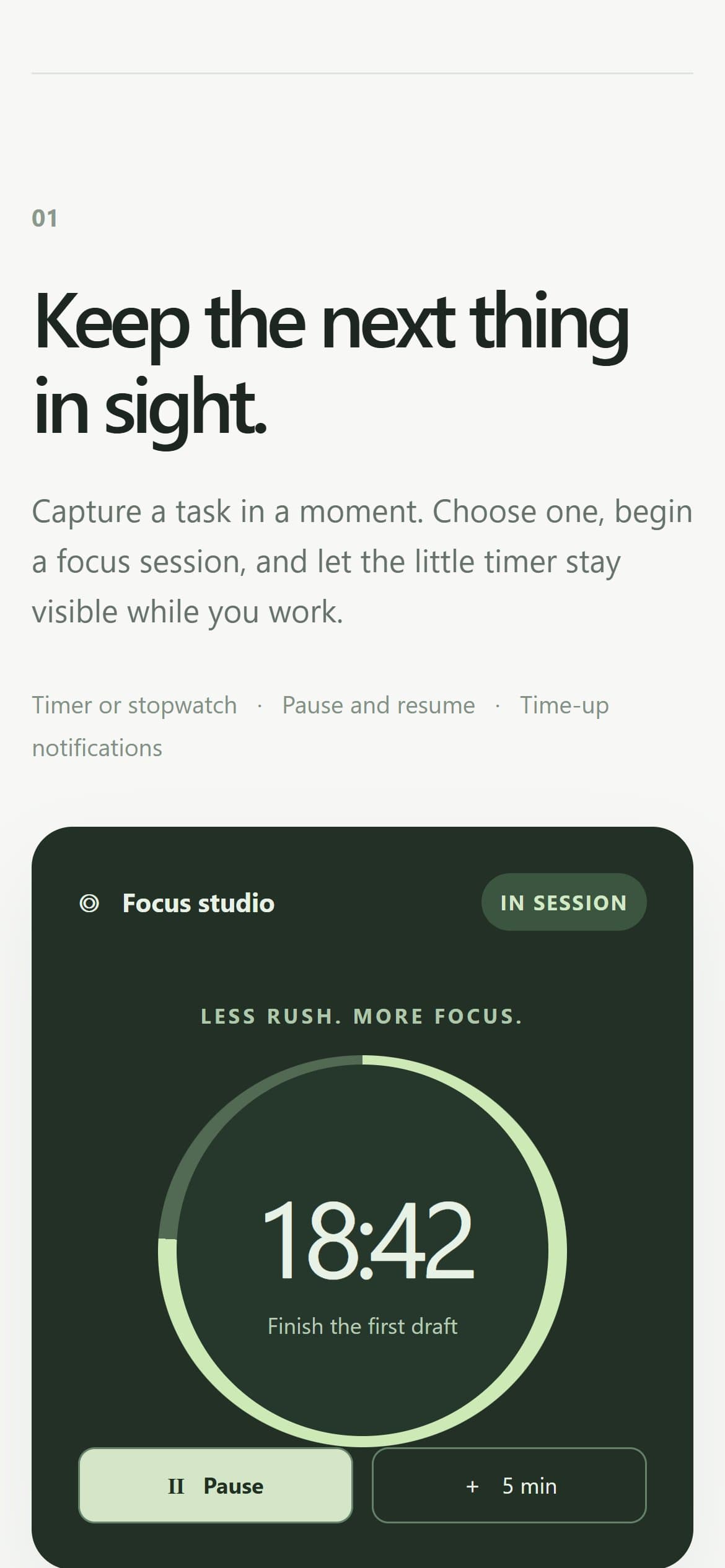
Pick a task and begin a focus session. The little timer stays visible while the work happens, as a countdown or a stopwatch, with pause, resume and five more minutes when you need them.
Notepad
A thought becomesa task in one keystroke.
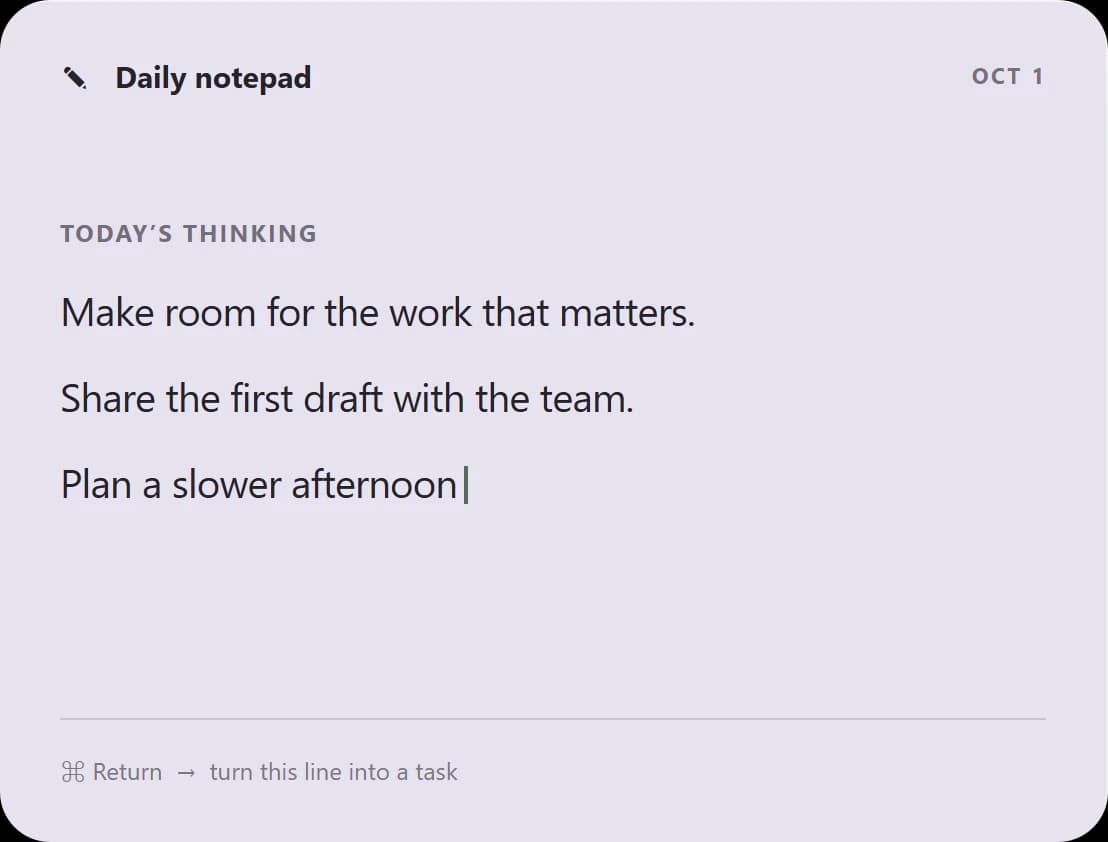
Every day starts with a fresh page that saves as you type. When a note turns into something to do, Command–Return turns that line into a task.
Horizon
What's ahead,and how far you've come.
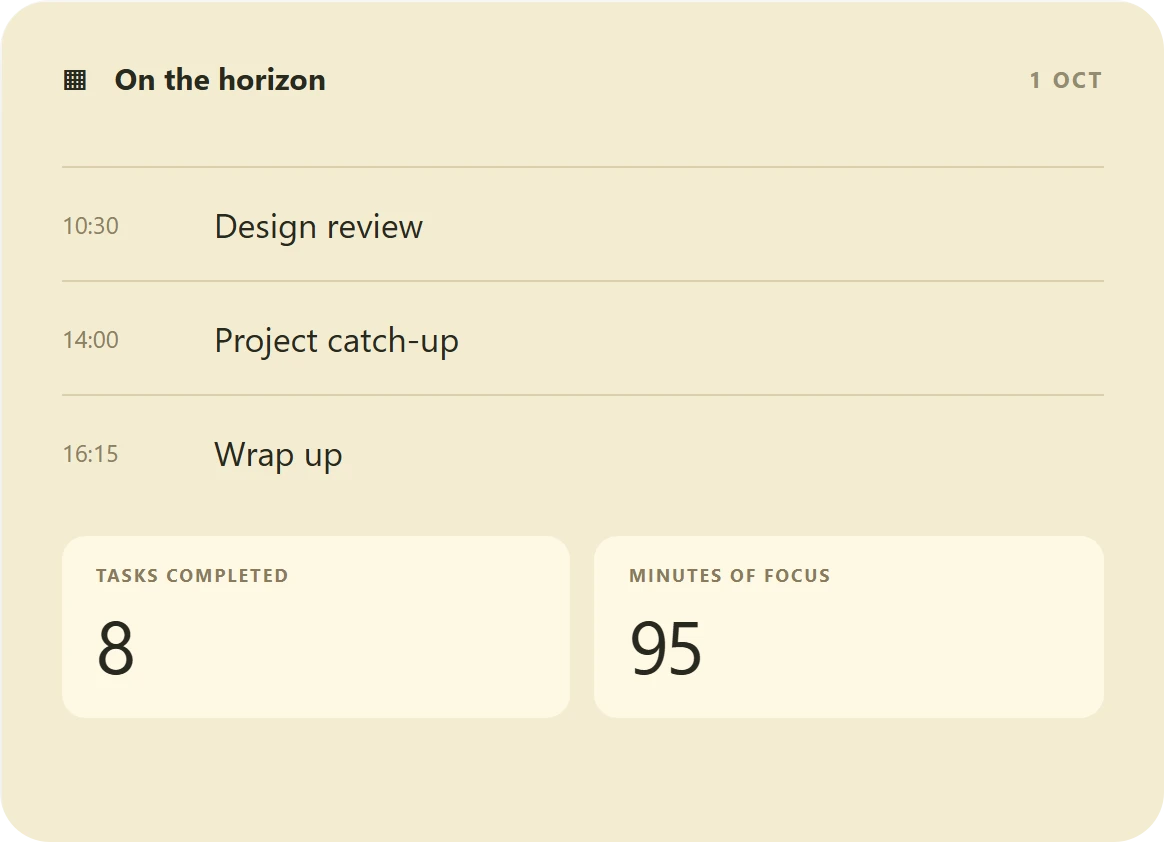
Upcoming Apple Calendar events can sit beside the day's plans. Calendar access is optional and read-only. Later, a dashboard looks back at completed tasks and real focus time.
Built to stay quiet
Close at hand,never in the way.
Out of the way
Hover at the top of the screen or press Option–N. Otherwise it stays out of sight.
Fits any Mac
Works on Macs with or without a notch.
Yours to keep
Planner data is stored locally, with a JSON backup you control. No account required.
Getting it
One page,one free download.
The download site introduces the app the way it feels to use: calm, with the interface shown up front and one clear action. Every feature is included, and there is no account to create.
It is open about where the product stands, too. The current download is an early development build, and the site says plainly that macOS may ask for approval because it is not yet notarised.
Next project
SentiTrades
Start a conversation
Great products start with the right conversation.
Tell us what you're building. We'll explore your goals, understand the challenges, and identify the right path from idea to execution.
What we'll cover
- 01
Your goals
What you're building, who it serves, and what success looks like for the business.
- 02
Where you are today
Existing products, constraints, timelines, and the decisions still open.
- 03
The right path
A recommended starting point, from focused discovery to a first release.
A free 20-minute call on Google Meet, booked right here on the site. You'll receive a calendar invitation once it's confirmed.